
A Senior’s Guide to Safe and Easy Mobile Banking
The global shift toward digital banking has fundamentally transformed how we interact with personal finance. For seniors across the United States and Canada, migrating daily financial operations to a smartphone is one of the most liberating decisions available in modern life. No longer bound by retail branch operating hours, physical mobility constraints, weather conditions, or long teller lines, older adults can now execute complex transactions with absolute convenience. Whether it is tracking a social security deposit, paying utility bills, reviewing investment yields, or transferring funds to a family member, mobile banking puts total financial autonomy directly into the palm of your hand.
Despite these clear benefits, transitioning from a traditional paper checkbook or desktop web portal to a mobile financial application can feel intimidating. Many retirees worry about technical complexity or fear falling victim to digital hackers. However, online banking infrastructure is built upon the exact same high-grade encryption systems used by military and global intelligence defense networks. The secret to confident, stress-free mobile banking does not require advanced technical expertise; rather, it hinges entirely on establishing a few simple, unshakeable operational habits. This definitive guide delivers a comprehensive, easy-to-follow blueprint to master mobile banking with total peace of mind.
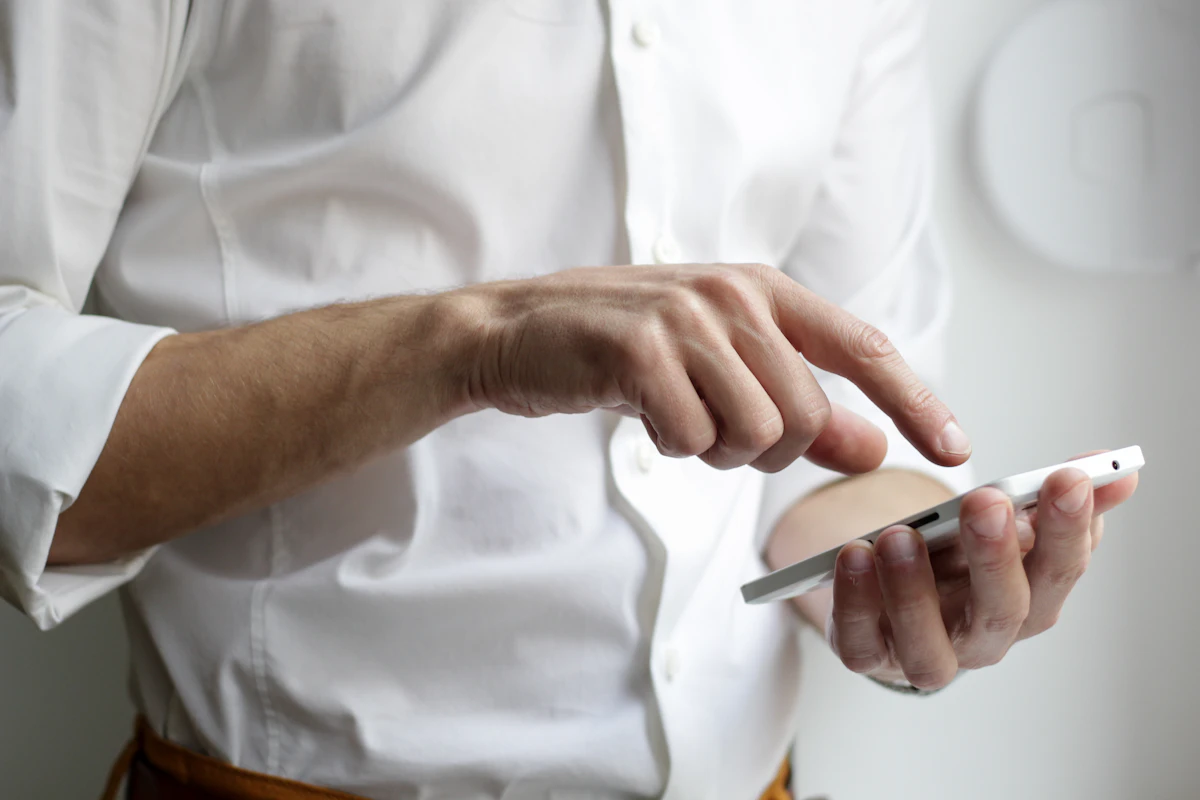
As retail banks continue to streamline physical branches, mastering your smartphone’s financial tools is no longer a luxury—it is an essential life skill. By implementing the systematic protections outlined below, you can safely embrace digital banking, turning your device into an impenetrable, ultra-convenient financial vault.
1. Architecture Setup: Building an Impenetrable Digital Vault
Before you tap on a single balance query or move funds, you must ensure that your hardware device is securely configured. Think of this process as installing deadbolts, surveillance cameras, and perimeter fencing around a physical brick-and-mortar home vault. Setting up your smartphone properly from day one eliminates over 95% of common online vulnerabilities.
Download Exclusively from Official App Ecosystems
One of the most common vectors used by modern digital bad actors is the deployment of fake, malicious copycat applications designed to mirror legitimate banking interfaces. Never click on an app download link sent to you via a text message, email newsletter, or random internet search results. Instead, manually open your smartphone’s built-in, verified software store: the Apple App Store for iPhones or the Google Play Store for Android devices. Search for your specific retail institution (e.g., Chase, Wells Fargo, TD Bank, or RBC) and verify the publisher metadata. True banking applications display explicit developer credentials, high download volumes, and thousands of verified user reviews. Tap download only after confirming these data points match your bank exactly.
Activate Hardware-Based Biometric Passkeys
Manually typing out long, complex passwords on a small glass touch screen introduces a high frequency of errors and exposes your credentials to “shoulder surfing” in public places. To bypass this vulnerability, modern smartphones feature advanced biometric scanners. Navigate to your mobile banking app’s security settings and activate Face ID (facial recognition matrix) or Touch ID / Fingerprint Scanner. Biometrics provide spectacular security because they convert your unique physical traits into an encrypted cryptographic key. Because a remote cybercriminal cannot spoof your physical thumbprint or face, biometric activation completely stops external hacking attempts in their tracks.

Automate Operating System & App Patches
Consider software updates not as an annoying technical interruption, but as a critical reinforcement of your digital armor. When developers discover a loophole or security flaw within an application, they write a patch to seal that gap and distribute it via an update. Leaving your phone unpatched means leaving an open window for exploitation. Navigate to your device’s master system settings, locate the App Store configurations, and toggle on “Automatic Updates”. This simple adjustment ensures that your banking apps and core operating systems are continuously fortified with the latest defensive defenses without requiring manual effort.
2. Tactical Rules for Secure Everyday Transactions
Once your official application is fully operational and locked down via biometrics, maintaining safety depends heavily on your daily behaviors. Following strict operational habits completely insulates your assets from external interception.
The Network Security Rule: Total Public Wi-Fi Avoidance
Free public Wi-Fi networks found at local coffee shops, libraries, airports, and hotels are inherently dangerous environments. These networks are entirely unencrypted, meaning that any amateur bad actor sitting nearby on the same network can deploy cheap, easily accessible software to monitor your device’s data traffic. If you log into your bank account over public Wi-Fi, you risk broadcasting your master login tokens through the airwaves.
The Operational Fix: If you ever need to perform a banking transaction while away from home, immediately disable Wi-Fi within your phone’s slide-down quick settings menu. This forces your smartphone to connect directly to your carrier’s cellular mobile data network (such as 4G, 5G, or LTE). Cellular data transmission is heavily encrypted at the infrastructure level, making it virtually impossible for localized actors to intercept or decode.
The Visibility Principle: Enrolling in Real-Time Transaction Alerts
True financial safety relies on continuous visibility over your capital. Inside your mobile application’s alert sub-menu, customize your notification center to push immediate text messages or email alerts directly to your phone screen for every single transaction. Setting this up ensures you are instantly notified of all financial movements:
| Alert Configuration Type | Customizable Trigger Condition | Defensive Security Benefit |
|---|---|---|
| Outbound Transfer Thresholds | Any transfer or wire transaction exceeding $100. | Provides an immediate alert window to call fraud hotlines if an unauthorized charge occurs. |
| Unrecognized Device Logins | Any login attempt executing from a new smartphone or browser. | Instantly alerts you if an outside party has compromised your master account password. |
| Low Account Balance Warnings | Account liquidity dropping below $250 or a set target. | Acts as an early shield against automated subscription drafts and accidental overdraft fees. |
| Physical ATM Cash Withdrawals | Any physical cash dispersion occurring at a terminal. | Flags card cloning or card skimming events the exact second they manifest in the real world. |
By establishing this real-time feedback loop, you ensure that your account cannot be quietly drained over days or weeks. You become an active participant in your bank’s fraud detection loop.
3. Neutralizing the 2026 “Urgency” Engineering Scams
It is vital to understand that modern cyber syndicates rarely try to break through your bank’s multi-million dollar encryption walls directly. Instead, they attempt to exploit human psychology to trick you into voluntarily bypassing your own security protocols. This practice is known technically as **Social Engineering via Engineered Panic**.

A senior may receive an unexpected text message or a high-urgency phone call claiming that their accounts are facing immediate legal seizure or complete freezing due to alleged tax anomalies or suspicious international purchases. The scammer poses as an elite fraud investigator or federal agent, using aggressive language to demand immediate cooperation. They will often instruct you to download a remote viewing app (such as AnyDesk, TeamViewer, or Zoho) to “clear the error,” or demand that you instantly transfer your funds to an external “safe government holding repository.”
If you encounter an aggressive, high-urgency communication regarding your finances, do not engage. Do not reply to the text message, do not click on any provided links, and do not type anything into your phone. Hang up the phone immediately. Walk to your physical wallet, remove your plastic debit or credit card, and look at the customer service number printed directly on the reverse side. Call that verified number to speak directly to your bank’s legitimate support department. If there is a real issue with your account, they can address it safely; if not, you have successfully neutralized an aggressive fraud attempt.
4. Your Guided Implementation Checklist
If you are ready to transition your finances to a mobile platform, use this structured, step-by-step checklist to configure your account with maximum safety:
-
Step 1 — Verification
Gather Physical Documentation and Verified Bank Data
Sit down at a clean, secure table with a recent physical printed bank statement. You will need your exact account numbers, routing strings, and your primary social identification details to register your digital identity on your bank’s secure network.
-
Step 2 — Installation
Download and Secure the Official Mobile Application
Open the official Apple App Store or Google Play Store on your device. Download your bank’s app, log in using your newly generated credentials, and immediately link your fingerprint or Face ID to the app’s startup prompt.
-
Step 3 — Hardening
Configure Multi-Factor Authentication & Alert Controls
Navigate to the “Settings” or “Security Profile” menu inside your bank’s app. Toggle on Multi-Factor Authentication (MFA) so that a unique, temporary verification code is required for any major account changes, and enable instant text alerts for all outgoing transactions.
-
Step 4 — Master Execution
Perform a Safe Trial Check Deposit
Use your app’s built-in camera features to execute a secure mobile check deposit right from home. This practical exercise builds your confidence and helps you master the app’s layout in a low-stress environment.
Conclusion: Embracing Complete Digital Sovereignty
Transitioning to mobile banking does not mean compromising your safety or exposing your wealth to digital threats. On the contrary, by moving away from highly interceptable paper checks and unmonitored mail-in statements, you take total command of your financial ecosystem. Real-time insights allow you to track every dollar with complete transparency.
By treating your phone like an encrypted vault, using verified cellular networks, and ignoring high-stress scam calls, you eliminate a criminal’s operational leverage. Mobile banking gives you the freedom to manage your wealth on your own terms, protecting your independence and safeguarding your financial legacy for years to come.
Frequently Asked Questions (FAQ)
What should I do if my physical smartphone is lost or stolen?
If your physical phone goes missing, your wealth remains protected because your banking app is still locked behind your unique fingerprint or Face ID matrix. However, you should still act quickly: borrow a trusted phone or use a computer to log into your bank’s web portal and temporarily suspend your device’s access tokens. Alternatively, call your bank’s customer service line immediately; their fraud team can instantly un-link your missing phone from your accounts.
Is it safe to use digital peer-to-peer payment apps like Zelle or Venmo?
Yes, peer-to-peer payment systems are safe, but they should be used exclusively to send money to people you know and trust in the real world (such as family members, close friends, or long-term neighbors). Treat these transactions exactly like handing someone physical cash from your wallet. Once you authorize a digital transfer, the capital moves instantly and cannot be recalled or reversed if you accidentally send it to a stranger or a scammer.
Why does my banking application automatically log me out after just a few minutes?
This auto-timeout feature is a deliberate, high-level security safeguard. It is designed to protect your data if you happen to set your phone down on a table or countertop and walk away without locking the screen. The application automatically cuts the active session after a short period of inactivity, preventing anyone nearby from picking up your phone and accessing your account balance or transaction history.
Can I safely deposit a physical check using my smartphone’s camera?
Absolutely. Mobile check deposit is one of the safest and most reliable features of digital banking. The app uses your phone’s camera to capture secure, encrypted images of the front and back of the check, sending the data directly to your bank’s sorting network. Once the deposit is officially cleared and the funds appear in your account balance, write “VOID” or “Deposited Electronically” across the paper check, hold onto it for 14 days for safety, and then shred it.